
qBittorrent
qBittorrent is a free, open-source BitTorrent client with no ads. Version 5.2.3 is the current Windows release.
Windows
Open source

BitLord is a free BitTorrent client for Windows with a built-in media player that can stream videos while they download.
Average 0.0 · ratings: 0
Thank you! Your rating is saved; you can change it. Could not save the rating. Please try again later. Too many ratings from your network today. Please try again tomorrow. The average appears after 5 ratings.
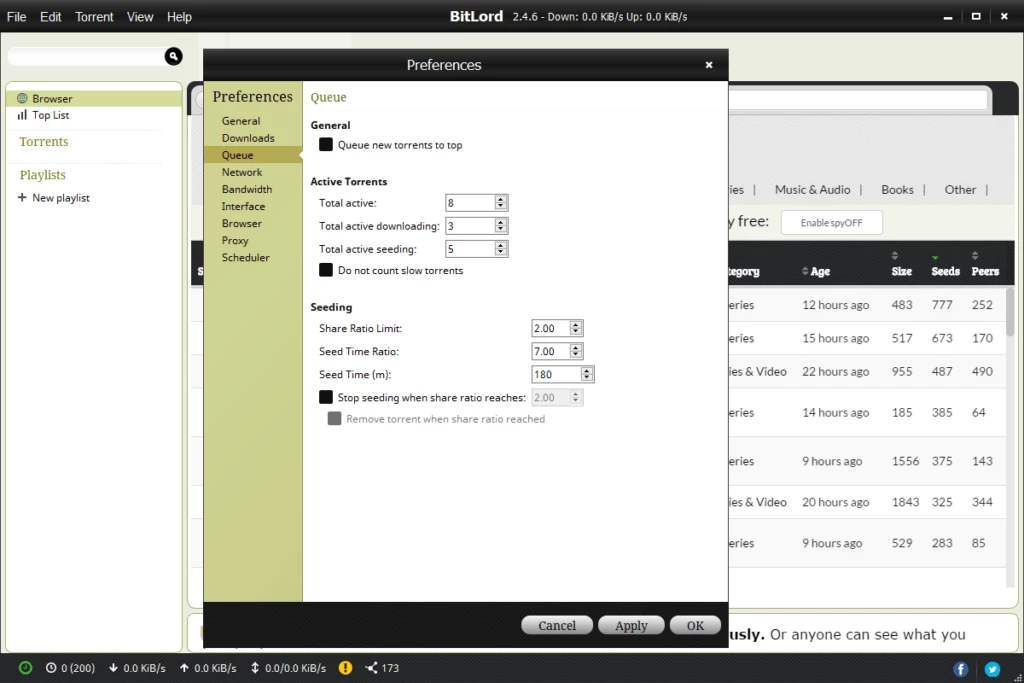
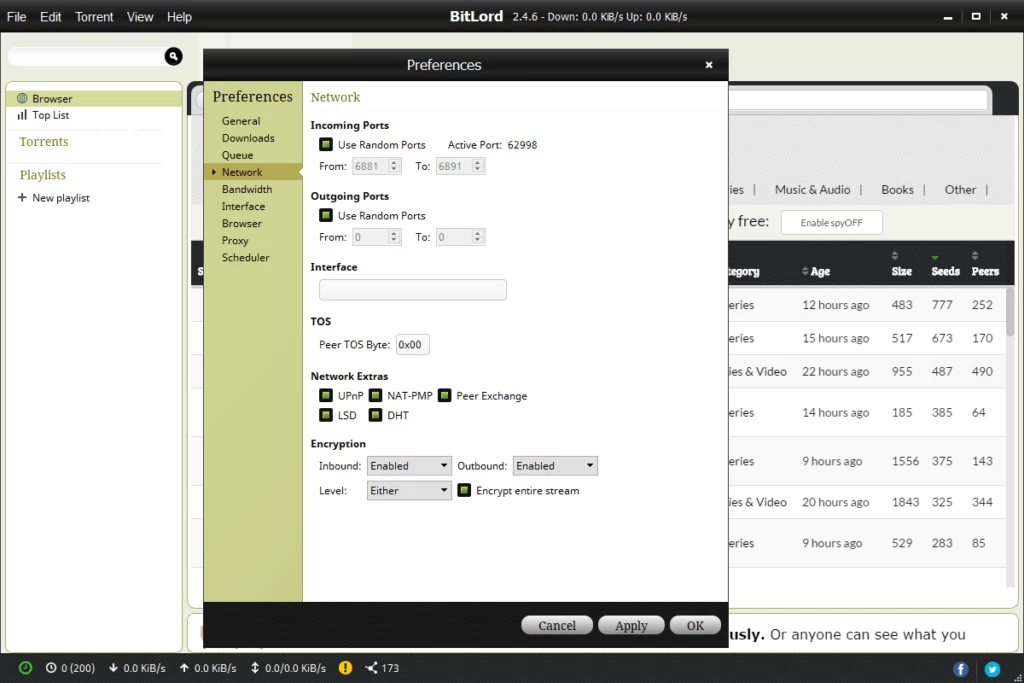
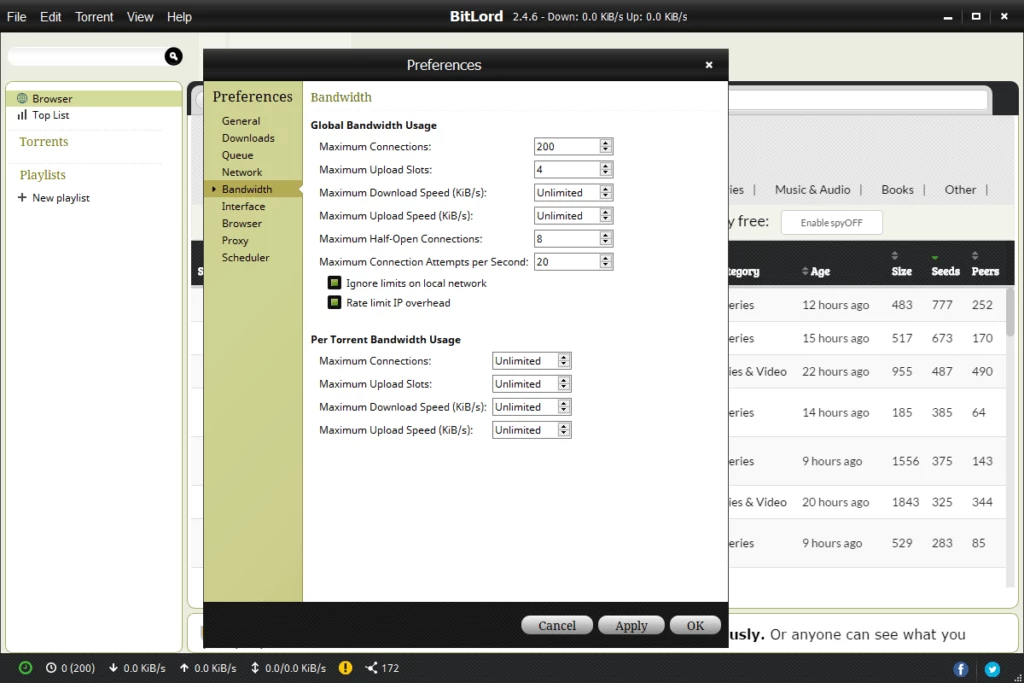
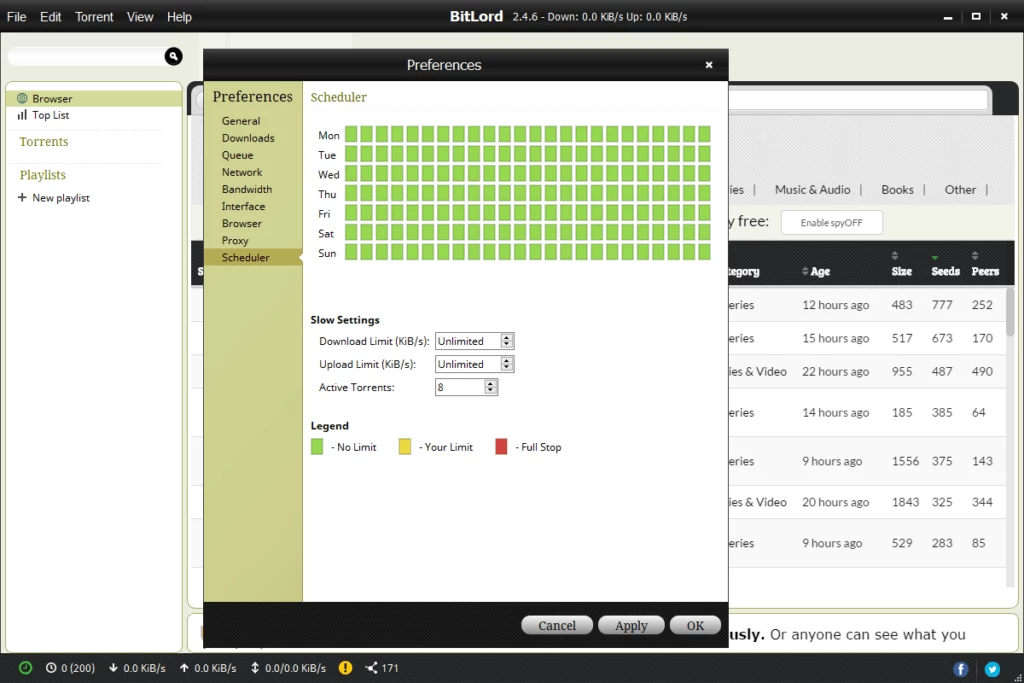
BitLord 2.4.6 Build 390 is a free BitTorrent client for Windows that combines downloading with a built-in media player. You download BitLord from the official site when you want a torrent program that can start playing a video before the whole file has arrived.
BitLord is a torrent client written in C++ with a focus on ease of use. Like other BitTorrent programs, it downloads files in small pieces from many users at once and shares the pieces it already has. What sets it apart is streaming: the client prioritises the beginning of a video file so that its player can open it while the rest is still downloading, and it can fetch subtitles for films automatically. There is a search box that queries torrent sites from inside the program, playlists for audio and video, and the usual controls for pausing, prioritising files inside a torrent and limiting bandwidth. The interface is simpler than in expert clients, which suits users who want to watch rather than tune settings. The developer publishes the history of builds on its previous releases page; the 2.4.6 line has been updated with new builds for several years.
The BitLord support page lists Windows 11 and Windows 10, and the developer also offers versions for macOS and Android. The Windows package is large for a torrent client, about 175.65 MB according to catalogue data, because it includes the media player and codecs.
The client is legal, but downloading or sharing copyrighted films, series and games without permission is illegal in many countries, and a torrent client always uploads while it downloads. Stick to legal content such as open-source software and public domain works. The developer states that BitLord is completely free and that anyone who paid for it should ask their payment processor for a refund, so pages selling it are fake. Scan downloaded files with an antivirus before opening them.
No. BitLord is freeware and shows advertising in the interface to fund development.
Other torrent clients on our site include qBittorrent, which is open source and free of ads, Deluge, BitComet and BitTorrent. Torrent Downloader from DVDVideoSoft is an even simpler option.
qBittorrent is a free, open-source BitTorrent client with no ads. Version 5.2.3 is the current Windows release.

SHAREit is a free Windows app from the SHAREit Team for moving photos, videos and documents between a PC and a phone. The current version is 5.1.0.7.

Zapya for Windows is a free file transfer app from DewMobile for moving files between a PC and phones over a local wireless connection.

Easy Connection to Screen is Samsung's Windows app for showing a PC's screen on a compatible Samsung TV over a wireless connection.

Internet Download Manager (IDM) is a shareware download manager for Windows from Tonec that accelerates, resumes and schedules downloads.

uTorrent (μTorrent) is a small BitTorrent client for Windows from Rainberry (BitTorrent Inc) for downloading and sharing files over torrents.

AnyDesk is a remote desktop application for connecting to and controlling another computer over the internet, from a small Windows program.

ShareMe is Xiaomi's free app for sending files between devices without a cable; on Windows the Android app runs only inside an emulator.

Xender is a free file sharing app from the Xender File Sharing Team for sending files between phones and computers over a local connection.